 English
 Arabic
 Chinese (Simplified)
 Dutch
Dutch French
 German
 Italian
 Portuguese
 Russian
 Spanish
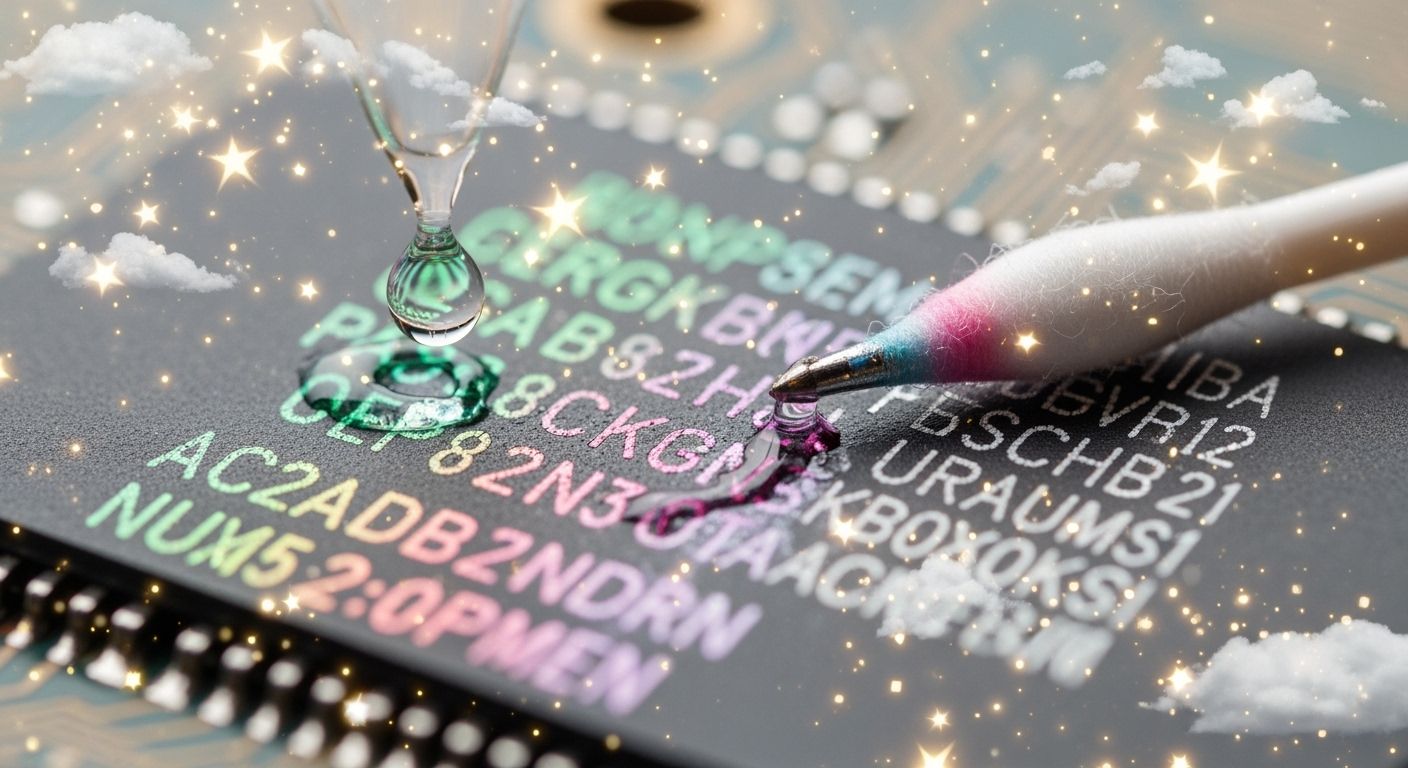
Ink that is not cured well lacks a strong, connected layer. Unused chemicals inside the ink stay easy for isopropyl alcohol to ruin. You can cause damage when using 99% isopropyl alcohol to clean a circuit board or printhead. Uncured screen printed characters fail to stick tightly to the surface underneath. Normal cleaning steps cause uncured ink marks to smudge during electronics assembly. Quality checkers notice printhead ink failure during normal cleaning workflows. You must check heat levels carefully to ensure printhead ink durability. Isopropyl alcohol used for electronics care dissolves weak, alcohol-soluble ink layers. Using IPA on a printhead strips away soft ink during IPA testing. Control IPA exposure on every printhead to protect your printhead ink quality.
Key Takeaways
- Screen printing ink that is not fully dried lacks strong chemical links.
- Isopropyl alcohol quickly dissolves soft ink resins during cleaning.
- Correct oven heat and UV light make strong printed marks.
- Workers need to check how hard the ink is before applying strong alcohol cleaners.
How IPA Solvents Dissolve Screen Printed Characters
Wet ink needs right heat or UV rays to stick tight to surfaces. Operators put screen printed characters onto circuit boards while building them. Bad baking leaves leftover chemical binders inside the soft ink layer. You spray isopropyl alcohol during normal wash steps. Isopropyl alcohol works like a liquid thinner. This liquid attacks weak ink parts fast.
Uncured Polymers and Substrate Adhesion
Not enough heat energy stops helpful chemical bonds from locking inside the ink. Strong ink chains cannot grow if you do not add sufficient heat. You need a tight criss-cross pattern to hold tiny ink bits together. Weak ink layers fail to grab the board surface below.
Liquid cleaners slip right into gaps between loose ink strands. Isopropyl alcohol soaks through these soft ink spots very quickly. Workers wipe circuit assemblies during building to clear away ugly leftover flux. The ipa solvent swells up the soft ink skin right away. You see screen printed characters lose their hard shape while hitting ipa liquid.
Strong chemical bonds directly show how well ink fights off harsh liquid cleaners. You can check surface toughness by using simple quality test steps.
- Standard rub testing steps like ASTM D5402 check soft ink, surface cuts, and lost shine.
- Workers use isopropyl alcohol double wipes to check if the ink skin is fully dry.
- Doing more ipa double wipes shows a tight criss-cross ink pattern and great ink safety.
- Tight chemical bonds block ipa liquid from entering ink strands and stop ink breakdown.
Good drying ensures top print quality results across every pcb surface. Weak chemical bonds cause fast ink lifting. You lose small details on your pcb board when isopropyl alcohol snaps weak ink chemical ties. Soft ink lacks grip, so hard wiping brings total ink peeling.
Resin Dissolution During Solvent Wipe Down
You fix electronics systems to keep factory production lines moving along nicely. Smart machines need clean printhead action to mark small electrical items during daily cleaning routines. You must wash the printhead front often to remove dried ink bits. Workers usually choose 99% isopropyl alcohol for fast air drying. Yet, this sharp isopropyl alcohol touch brings real danger to soft cured ink.
Liquid thinners split soft ink resin glues apart during a fast scrub. Soft ink glues melt down quickly as you rub the board top. You wipe the printhead during normal printhead washing routines. The harsh ipa liquid melts weak ink glues as soon as it touches. Melted ink smears over the board and destroys sharp visual lines.
You must guard full print quality while building automated electronic tools. Bad cleanup habits lower basic printhead ink durability. Wild ipa liquid soaking makes blurry text during easy washing steps.
- Loose ink colors rinse away from the base board with every ipa wipe.
- Melted glue mixes with wet isopropyl alcohol and spreads dark ink marks onto close parts.
- Chemical soaking harms small printhead parts when soft ink blocks tiny printhead holes.
- Constant printhead washing with strong liquid rubs off fine printhead surface lines completely.
You must check heat baking settings before you wash circuit tools during simple maintenance routines. Soft cured ink cannot take tough isopropyl alcohol baths. You wash sensitive parts safely only after ink reaches full chemical hardness. Smart control of heat setups stops ink ruin and protects high product value. You save each printhead from quick breakdown by making strict checks with your safety testing crew to keep a neat work space. Proper baking keeps fine screen marks easy to read through all board washing steps during tough assembly jobs.
Curing Failures When Cleaning Electronics
Tech workers face tough problems during circuit board cleanup. Low oven settings cause major visual flaws across marked board text. Cleaning with isopropyl alcohol easily strips soft printing right off board surfaces.
Thermal Dwell Time and Temperature Deficits
Heaters must dry every printed board mark completely. Short baking times leave wet ink trapped beneath a thin outer shell. Warm air must heat the entire ink layer to start chemical bonding.
| Oven Factor | Effect on Uncured Ink | Result During Cleaning |
|---|---|---|
| Low Temperature | Ink resin stays soft | Isopropyl alcohol dissolves board text |
| Short Dwell Time | Ink core stays wet | Isopropyl alcohol swells print lines |
Fast belts carry boards through heating zones too fast. Inner ink spots stay tacky without enough warm air. Later, you spray 99% isopropyl alcohol during routine printhead care. The powerful alcohol liquid sinks into soft ink quickly. This liquid cleaner breaks apart weak ink glue binders. You rub off screen printed letters along with surface grime. Good heat controls create durable board labels. Proper settings shield printheads from sticky ink buildup.
UV Energy Dosage and Catalyst Imbalance
Special UV lights harden custom ink formulas fast. Bright rays jumpstart chemical mixers inside the liquid ink. These working mixers link small bits into strong protective chains.
Weak UV rays lead to poor chemical bonds on sensitive board spots. Aging light bulbs lower total energy power over time. Dark ink coats block light rays from hitting deep ink layers. Unused chemical mixers leave soft spots underneath a light top skin.
You wipe down electronic parts with alcohol pads to reach daily build goals. Liquid cleaners soak into soft UV ink layers quickly. The isopropyl alcohol dissolves weak ink glues easily. Next, sticky ink ruins your printhead during regular washing steps. That dirty printhead smudges wet ink over sensitive circuit parts. You must adjust UV lights to prevent ink breakdown during routine printhead care. Clear UV bulbs keep print quality high and keep printheads clean.
Safe IPA Resistance in Industrial Applications
Factory teams need reliable ink layers on every printed board. You must verify ink cross-linking before you start full production runs.
Using Isopropyl Alcohol for Electronics Testing
Quality controllers test ink durability using standard solvent rub procedures. You apply pure isopropyl alcohol for electronics testing on fresh ink marks. Standard protocols like ASTM D5402 guide your rub test methods on each pcb surface. You wipe the board using light hand pressure. Completely cured ink withstands dozens of harsh rubbing cycles without losing color.
Rub Test Step | Action Required for Quality Assurance
Step 1        | Wet cotton swab with 99% isopropyl alcohol
Step 2        | Rub ink mark across 50 double-pass cycles
Step 3        | Check for ink smearing or substrate exposure
Proper heating profiles prevent wet ink from dissolving during board maintenance. You must raise oven temperatures to boost ink chemical resistance. Long dwell times harden ink binders completely. Correct UV lamp intensity cures ink surface layers fast. Good thermal control improves overall print quality across all electronics assemblies. You safeguard marking quality by setting correct print quality settings early. Residue critical cleaning requires fully hardened ink lines. Standardized tests guarantee ink stability during residue-critical assembly washes.
Maintenance Risks When You Clean an Epson Printhead
Printhead cleaning requires extreme care during daily maintenance routines. You often use ipa liquid to dissolve dried ink deposits inside nozzle channels. However, weak ink around nozzle plates breaks down quickly under harsh solvent contact. Uncured ink swells up fast during aggressive cleaning cycles. Swollen ink bits peel away and cause a clogged printhead inside your printer assembly.
You must follow strict rules when you clean an epson printhead during shift changes. First, apply mild alcohol solutions sparingly. Direct ipa flushing washes soft ink chunks into internal printhead channels. You preserve printhead ink flow by avoiding heavy isopropyl alcohol pressure. Safe cleaning the printhead protects sensitive nozzle plates from chemical harm.
- Wipe printhead surfaces using clean, lint-free pads during every maintenance check.
- Keep printhead parts out of deep pure alcohol baths during simple cleaning steps.
- Restrict isopropyl alcohol touch while performing daily printhead maintenance work.
Correct cleaning habits maintain high print quality over long operation cycles. Technicians clean delicate components carefully to maintain top equipment performance. Careful cleaning the printhead removes dried ink without dissolving cured ink borders. Proper printhead cleaning prevents ink bleeding onto adjacent electronics parts. You protect equipment investment when you clean an epson printhead with proper tools. Consistent cleaning routines extend total printhead lifetime significantly. Modern electronics production relies on safe cleaning the printhead to maintain clear visual text.
Complete chemical cross-linking gives ink ipa resistance. Controlling heat, dwell time, and UV energy protects screen printed characters. Baking stops isopropyl alcohol from dissolving ink. You prevent blurry ink during isopropyl alcohol electronics cleaning.
Careless isopropyl alcohol cleaning damages printhead parts during electronics assembly. Clean printhead ink parts carefully. Uncured printhead ink swells when wet isopropyl alcohol touches printhead ink nozzles. Soft printhead ink clogs your printhead and lowers printhead ink quality. You protect printhead ink quality when you clean your printhead correctly. Isopropyl rub testing with ipa verifies ink cross-linking and ink durability. Isopropyl fluid and ipa strip weak ink from electronics. Inline isopropyl testing shields printhead ink layers and isopropyl ink surfaces.
FAQ
How does isopropyl alcohol damage soft printhead ink on an electronics pcb?
Ink without full curing misses strong inner links. Cleaning electronics with 99% isopropyl alcohol causes big trouble. The pure isopropyl alcohol liquid breaks down soft ink resin, wet ink pigment, dirty ink film, and weak ink binders quickly. This alcohol action ruins printhead ink, spoils print quality, and smears board ink markings over electronic parts.
Why does isopropyl alcohol printhead cleaning cause a clogged printhead?
Soft ink falls apart when you wipe electronics with isopropyl alcohol. Harsh printhead cleaning pushes loose ink bits, uncured ink chunks, dirty ink fragments, and sticky printhead ink residue right into tiny printhead ink nozzles. This rising alcohol residue clogs clear printhead channels. Proper printhead cleaning shields printhead ink lines and keeps print quality safe.
How can technicians use isopropyl alcohol to clean an epson printhead without destroying ink?
Carefully clean printhead ink parts by rubbing outer printhead ink plates with mild alcohol pads. Avoid soaking printhead ink parts inside deep alcohol baths while performing printhead cleaning. Using small amounts of isopropyl alcohol fluid washes away unwanted printhead surface ink deposits. Careful printhead cleaning keeps printhead ink flowing smoothly, preserves printhead ink quality, and protects overall printhead performance.
What is the safest way to clean an epson printhead during electronics maintenance?
Clean printhead assemblies by taking clean, lint-free isopropyl alcohol wipes to the surface. Softly cleaning the printhead lifts away dried ink, stray printhead ink lines, and dirty ink spots without trouble. This gentle cleaning the printhead routine stops liquid alcohol cleaner from washing out cured printhead ink boundaries. Regular printhead maintenance supports ink durability and total product quality.
Why does ipa solvent remove uncured screen printed ink?
Uncured ink keeps loose ink binders inside its layer. Spraying 99% isopropyl alcohol happens often during ipa ink tests. Quick alcohol solvent penetration expands soft printhead ink layers, snaps ink adhesion, and peels away wet printhead ink graphics. Completely cured ink blocks isopropyl alcohol cleaning, which shields important electronics markings, delicate electronics devices, printhead ink surfaces, and ink quality.