 English
 Arabic
 Chinese (Simplified)
 Dutch
Dutch French
 German
 Italian
 Portuguese
 Russian
 Spanish
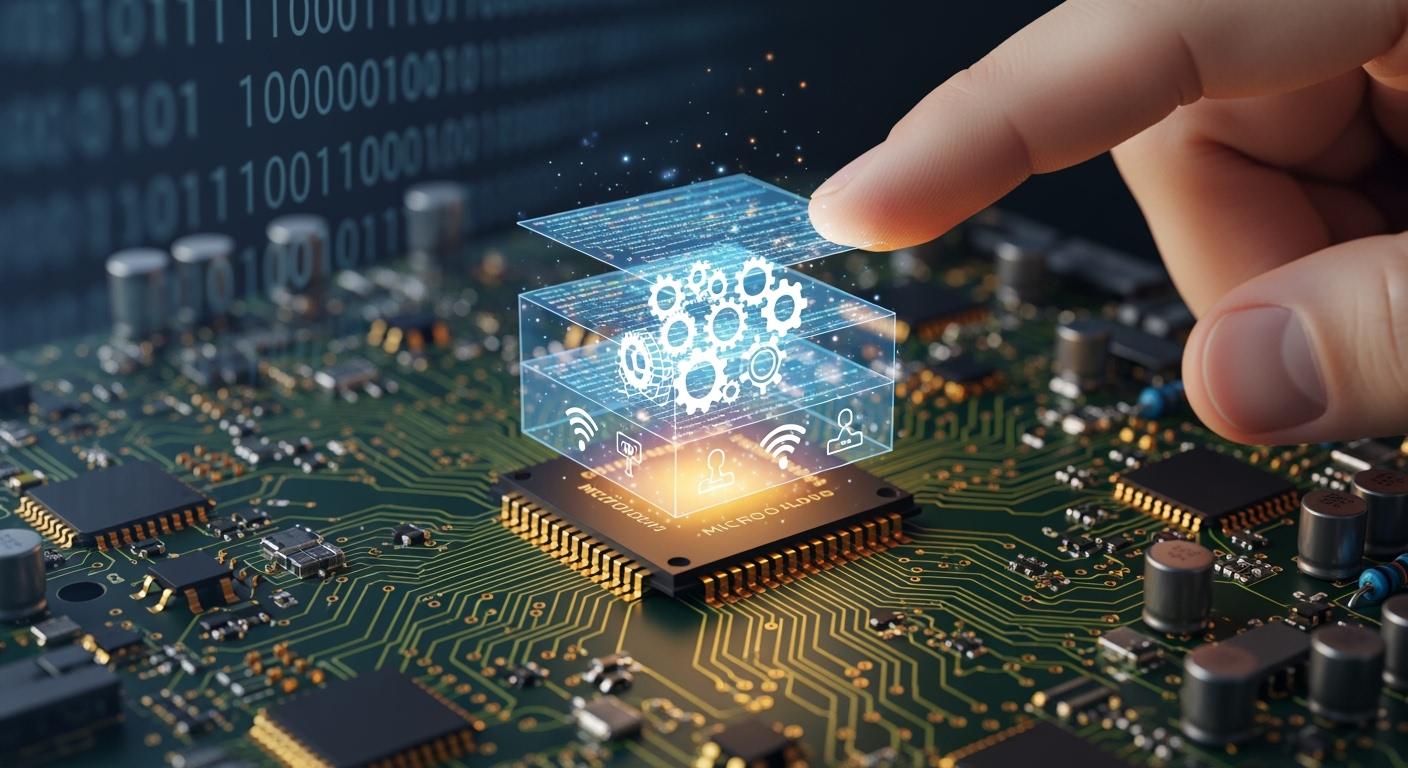
You rely on Hardware, Firmware Integration every time you use a phone, computer, or smart device. Hardware refers to the physical components you can see and touch, such as chips and sensors. Firmware is specialized software that directs the hardware on what actions to perform. Understanding Hardware, Firmware Integration helps you see how devices remain secure, stable, and up-to-date. Updates to firmware fix issues, introduce new features, and ensure your technology continues to function smoothly as needs evolve.
Key Takeaways
- Hardware is the part you can touch, like the screen or battery. It needs firmware to work the right way.
- Firmware is software that gives hardware instructions. You can update firmware to fix issues or add features. You do not need to change the hardware.
- Hardware and firmware must work together. This teamwork makes devices smart and helps them work well. It also keeps your device running smoothly and up-to-date.
- Updating firmware often is very important. Updates make your device faster and safer. They also help your device work the way it should.
- You get new features and better speed without buying new hardware. This is possible because of hardware and firmware working together.
Hardware vs Firmware
Hardware Defined
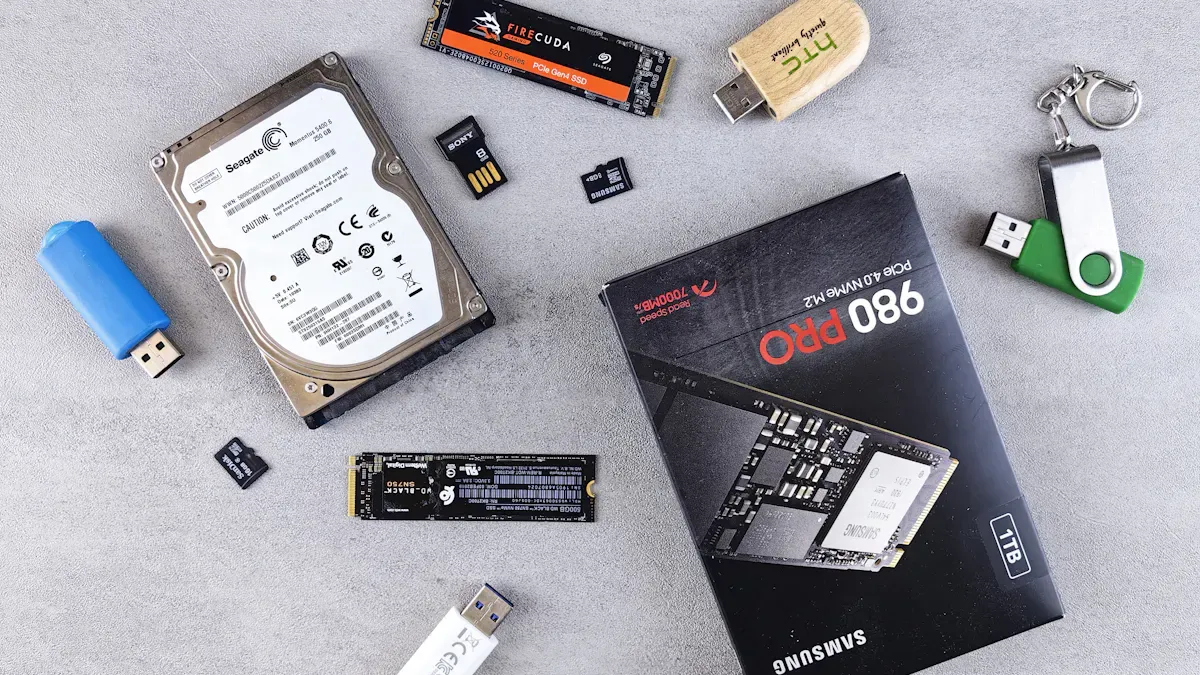
You use hardware every day. Hardware means the parts you can touch, like the screen and battery. These pieces make up your device’s shape. Hardware can get old or break if you drop it. When this happens, you may need to buy new hardware. Hardware cannot do anything by itself. It needs instructions to work.
Tip: Hardware is like your device’s body. It holds all the parts together and lets things happen.
Firmware Explained
Firmware is like the brain that you cannot see. It is a special software inside your device. Firmware tells hardware what to do. It helps with simple jobs, like turning on your phone. It also makes sure your keyboard types the right letters. If there is a problem, you can often fix it by updating firmware. You do not have to change any hardware. Firmware can get messed up, but it does not break like hardware.
Role Comparison
You may wonder how hardware and firmware work together. Hardware gives the device its shape and power. Firmware gives the instructions. Hardware cannot work without firmware. Firmware needs hardware to do its job. The table below shows how they are different:
| Feature | Hardware | Firmware |
|---|---|---|
| Tangibility | Physical and tangible | Intangible (software code) |
| Damage Susceptibility | Prone to physical wear and tear | Cannot be physically damaged but can be corrupted |
| Functionality | Provides the physical structure and components | Provides instructions for hardware operation |
| Upgradability | Requires replacement if outdated | Can be updated via software patches |
| Dependency | Needs firmware to function | Needs hardware to operate |
In embedded systems, hardware and firmware both matter. Hardware gives the device its shape and power. Firmware tells it how to use that power. They must work together for your device to work well.
Hardware, Firmware Integration
Integration Process
You use hardware/software integration all the time, even if you do not notice. When you turn on a device, the process starts. The firmware wakes up the hardware first. It checks the microcontroller and gets parts ready, like sensors and memory. This is called the boot process. After that, the firmware takes over the hardware. It reads sensor data and sends commands to things like motors or lights.
Here are the main steps in hardware, firmware integration:
- Boot process: The firmware turns on the hardware and gets it ready.
- Hardware control: The firmware makes sure each part works right.
- Interrupt handling: The firmware listens for signals, like a button press, and acts fast.
- Communication: The firmware helps the device talk to other devices or networks.
You see this teamwork every time you use a smart device. The firmware is like a leader, making sure all hardware parts work together. If you want new features or fixes, firmware updates can help your device without changing the hardware. This makes hardware/software integration strong and useful.
Note: Engineers use rules and guides to make sure hardware/software integration works well. They use standard protocols and power modes to keep devices working right and saving energy.
Communication Mechanisms
You need hardware and firmware to talk for your devices to work. The firmware gives you an easy way to use hard hardware. It keeps track of time so things happen when they should. For example, if you press a button, the firmware gets the signal and answers right away.
Common communication protocols include:
- UART: Good for simple links.
- SPI: Fast for moving data nearby.
- I2C: Lets many devices share wires.
- CAN: Works well in cars and tough places.
- USB: Moves data fast between devices.
- Ethernet: Handles lots of data.
The firmware uses these ways to keep data moving well. It also fixes errors and tries again if something fails. Hardware interrupts help the firmware act fast when things happen, like a sensor seeing motion. This keeps your device quick and safe.
Tip: Using standard protocols in hardware/software integration helps stop problems and makes adding new features easier.
Embedded System Examples
You see hardware, firmware integration in many things. Here are some examples:
| Embedded System Type | Examples |
|---|---|
| Automotive control units | Engine control modules |
| Home appliances | Microwaves, washing machines |
| Medical devices | Pacemakers, blood glucose monitors |
In a car, hardware/software integration lets the engine control module handle fuel, speed, and safety. The firmware sets up the hardware, reads sensors, and controls the engine right away. In a washing machine, the firmware tells the hardware when to fill, spin, or drain water. In medical devices, hardware/software integration keeps people safe by making sure the device works right.
Firmware updates are important in these systems. You can fix bugs, add features, or make things safer with an update. You do not need to buy new hardware to keep your device working well.
Alert: If you skip firmware updates, your device might not work right or could be unsafe.
Hardware, firmware integration helps make devices smart, safe, and easy to use. You count on this integration every day, whether you are driving, cooking, or staying healthy.
Integration Benefits
Enhanced Functionality
You get more from your devices because of hardware/software integration. This helps you add new features with firmware updates. You do not need to buy new hardware. You can use the newest tools and fixes. This makes your device last longer and work better. Hardware/software integration keeps your device steady and dependable. Firmware controls how your device works. This gives you smooth performance every day. If you want new functions or need to fix problems, you can update the firmware. This saves you money and keeps your device working with other technology.
Tip: Hardware/software integration lets you keep your device safe and current without changing the parts you can touch.
Performance Optimization
You notice your devices are faster and smoother with hardware/software integration. Firmware can help your device use less power. This makes your battery last longer. It also helps your device stay cool and safe. Hardware/software integration lets your device use memory and power in smart ways. Your device can do more jobs at once without slowing down. Firmware also checks for problems and keeps your data safe.
Here is a table that shows how hardware/software integration helps your device work better:
| Improvement Type | Description |
|---|---|
| Operational Efficiency | Devices work faster and cost less to run. |
| Dynamic Resource Allocation | Devices use memory and power only when needed. |
| Thermal Monitoring | Devices stay cool and last longer. |
| Security Monitoring | Devices spot and stop threats quickly. |
Note: Hardware/software integration helps your device run fast, stay safe, and save battery.
Real-World Applications
You see hardware/software integration in many things you use every day. Smart home devices use it to answer your voice and control lights. Medical devices use hardware/software integration to check your heart and send alerts to doctors. In factories, machines use hardware/software integration to work faster and fix problems early. Cars use hardware/software integration to keep you safe with things like automatic braking. Even smart watches use hardware/software integration to count your steps and save battery.
- You get new features without buying new devices.
- Your devices stay safe and up-to-date.
- You save money on repairs and upgrades.
- You enjoy better performance and longer battery life.
Alert: Hardware/software integration is why your technology keeps getting smarter and more helpful.
You use hardware/software integration all the time. This teamwork helps your devices work quickly and safely. It also makes them last longer. Hardware/software integration gives you data right away. It adds smart features that change to fit your needs. Device makers use hardware/software integration to find problems early. It keeps your information safe. Good hardware/software integration makes devices simple to use. It keeps them ready for updates. You can count on your technology. Hardware/software integration helps everything work well.
FAQ
What happens if you do not update firmware?
You could miss new features or important security fixes. Your device might not work right or could be unsafe. It is smart to check for updates often so your device keeps working well.
Can you fix hardware problems with firmware updates?
You cannot fix broken hardware with a firmware update. Firmware updates only help your device work better. If something is broken, you must repair or replace the hardware.
Why do devices need both hardware and firmware?
You need both because hardware gives your device its shape and power. Firmware tells the hardware what to do. Hardware cannot work without firmware. Firmware needs hardware to control.
How do you know if your firmware needs an update?
- Your device shows a message.
- The device acts slow or odd.
- There are new features. Look in your device settings or on the maker’s website for updates.