 English
 Arabic
 Chinese (Simplified)
 Dutch
Dutch French
 German
 Italian
 Portuguese
 Russian
 Spanish
Why Do Component Labels Fade After Conformal Coating?

You notice ink fading on your printed circuit board after applying a liquid conformal coating. Strong organic solvents quickly dissolve weak ink pigments, causing the ink to bleed across the board’s surface. Active flux residues also react with the liquid coating, worsening localized pcb silkscreen color problems. In addition, high heat and UV radiation break down sensitive marking polymers during the thermal curing process.
You can stop this component label fading on every pcb assembly by taking three specific steps. First, choose solvent-resistant resin inks for all your thermal transfer labels. Next, remove active surface dirt by cleaning every board before applying the protective coating. Finally, run strict compatibility checks between your chosen inks and specific liquid chemical formulas before starting production.
Key Takeaways
- Powerful liquid chemicals and intense heat melt or destroy fragile circuit board inks while making the board.
- Unclean surfaces and leftover solder flux react with wet coatings, which causes ink to smudge badly near soldered pins.
- Engineers can find color problems by checking boards right after applying the coating, after heat drying, and before shipping them out.
- Polyimide labels made with chemical-resistant resin ribbons handle strong liquid cleaners and high heat during factory production well.
- Standard tape tests, such as ASTM D3359, check ink sticking and chemical safety before full factory production starts.
Solvent Effects in Conformal Coating
Chemical Dissolution of Label Inks
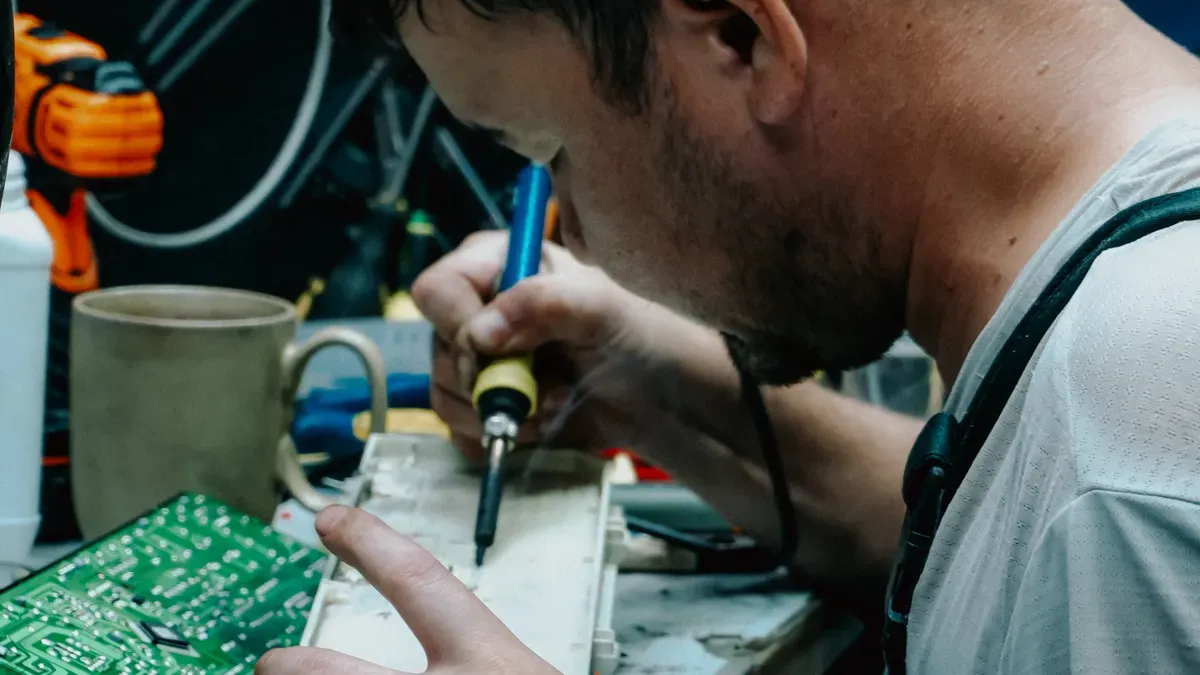
Liquid conformal coating uses strong organic solvents like xylene, toluene, or ethyl acetate. Applying this liquid lets fast-moving solvents quickly attack weak, unlinked silkscreen inks on your pcb. These solvent molecules slide into the porous polymer matrix of normal component marking pigments right away. This harsh chemical process dissolves soft binder resins as soon as they touch. As the liquid spreads over delicate print areas, you will see direct silkscreen color fading on main component identifiers.
Solvent fluids turn solid printed ink particles into a moving liquid mixture. These flowing solvents carry dissolved pigments across pcb surfaces, which leads to bad ink bleeding and pigment bleeding. This spreading ruins sharp text clarity and creates a clear color shift across printed legends. You will spot text inconsistency as silkscreen markings smear into nearby board areas. Without protection, silkscreen text degrades fast when exposed to liquid solvents on the assembly line.
Contaminant and Flux Reactions
Dirty board surfaces are common causes of silkscreen color issues on your pcb. Active flux residue holds strong organic acids that react directly with liquid chemistries. Body oils, dust, and air moisture also mix into wet coating layers very easily. This hidden dirt lowers liquid surface energy and causes severe localized silkscreen color bleeding near soldered component pins. Leaving boards uncleaned will directly degrade silk print performance during factory production.
Acidic residues change liquid surface tension and loosen pigment adhesion, which hurts final product quality. These local chemical reactions leave blotchy marks, dark spots, and severe visual inconsistency across board legend zones. You can easily find silkscreen color fading close to hand-soldered joint areas. Localized silkscreen fading happens anywhere ionic residues gather before you apply the coating. Trapped dirty spots stop smooth resin film formation and reduce overall board assembly quality. These bad surface conditions trigger total silkscreen color bleeding, causing complete mark illegibility on your pcb.
Troubleshooting PCB Silkscreen Color Issues
You can master troubleshooting pcb silkscreen color issues on your board assembly line by isolating defects early. Follow this three-step diagnostic workflow to maintain high board quality:
- Check legend markings right after liquid coating application to spot ink bleeding or instant fading.
- Examine legend markings right after thermal curing to separate high heat damage from solvent chemical damage.
- Match uncured assembly boards against cured boards to find heat oxidation or an incorrect curing process.
Heat and UV Curing Degradation
High heat exposure degrades printed legends during board processing. Oxygen promotes oxidative thermal degradation in resins like phenolic formulas during thermal curing. This reaction forms chromophoric compounds with carbonyl groups and extended conjugation systems. These light-absorbing structures create dark yellow discoloration and severe silkscreen color fading.
Excessive light exposure under UV lamps triggers severe polymer breakdown. You will notice distinct color shifting and silkscreen color inconsistency across print boundaries. Heat oxidation creates widespread visual legend inconsistency across your pcb. Solvent leaching creates fuzzy text edges and wet ink bleeding. Isolating solvent leaching from heat oxidation helps resolve your board legend defects quickly.
Discoloration in PCB Silkscreen Markings
Specific ink minerals undergo chemical phase changes under intense heat conditions. Epoxy-based symbolization ink contains brilliant white anatase pigments. Anatase transforms into a rutile mineral state during heat processing. This rutile phase shifts white silkscreen text into a pinkish-tan or beige color.
This mineral phase change alters material optical properties. Anatase remains optically negative, while rutile becomes optically positive. This optical alteration causes immediate silkscreen color fading on your component markers. Trapped liquid coating solvent causes fast silkscreen color fading and ink bleeding. High thermal levels cause widespread mark loss, visual board inconsistency, and overall text loss. Tracking these visual cues stops silkscreen legend degradation on every pcb assembly.
Material Incompatibility in Assembly
Non-Resistant Ink Formulations
You select low-cost marking materials to save assembly budget on your printed circuit board. Standard dye formulas lack strong resin crosslinking bonds. These weak chemical mixtures suffer from poor ink quality under harsh assembly conditions. Unstable silkscreen inks dissolve fast when wet chemicals arrive. Fast liquid solvents dissolve delicate dye molecules rapidly. This active chemical breakdown alters the initial print color. Consequently, this reaction causes permanent silkscreen color fading across critical identification zones on every board section.
Low-grade dye marks on a pcb exhibit fast visual degradation. Harsh carrier solvents penetrate weak binder chemistries very easily. Dissolved ink changes legend color rapidly. Unprotected pigments trigger noticeable silkscreen bleeding across component board borders. This unmonitored pigment movement creates obvious visual inconsistency across board legends. Maintaining high board manufacturing quality requires robust pigment choices for every pcb batch. Raw silkscreen formulations require verification before line deployment.
Coating Chemistry and Silkscreen Interactions
Solvent formulas interact directly with underlying legend print layers during liquid processing. Solvent contact damages silkscreen areas on delicate boards. Liquid solvent contact during conformal coating application triggers instant silkscreen color bleeding on sensitive component markings. High UV light exposure under bright fluorescent lamps accelerates total pigment oxidation. Degraded pigments lose vibrant surface color quickly. Gas emissions from factory cooling units also increase marking inconsistency rates.
| Ink Formulation | Surface Material | Fading Outcome | Supporting Detail |
|---|---|---|---|
| Generic dye inks | High-gamut papers | Rapid fading | Turn brown within a few weeks |
| Canon OEM dye inks | Varies with paper | Wide-ranging | Performance varies widely depending on paper |
| Pigment inks | Glossy papers | High resistance | Pigments do not fade under clear layers |
Proper chemical alignment between your protective liquid coating and legend silkscreen layers prevents total silkscreen color inconsistency. Dense cured resin shields underlying pcb text boundaries against solvent attack. Matching chemicals preserves legend color clarity over time. Poor material matching causes localized edge bleeding across print zones. Standardized testing confirms material compatibility before full factory production. You avoid legend silkscreen color fading by selecting matched chemical sets early. Proper silkscreen text verification safeguards overall pcb output.
Prevention and Solution Strategies
Selecting Solvent-Resistant Materials
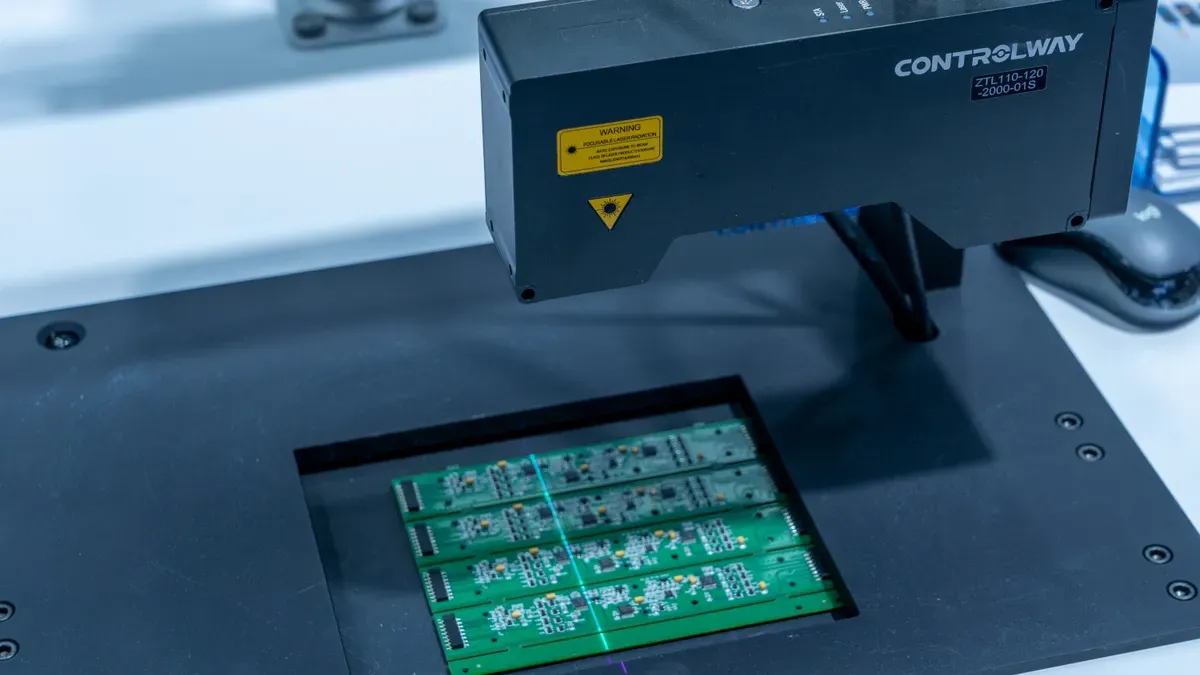
You can stop component label fading on your printed circuit board by picking strong, high-grade supplies. Polyimide labels with chemical-resistant resin ribbons easily withstand harsh solvents like xylene and methyl ethyl ketone. These ribbons feature a melting point above 110°C, so they shield your pcb during quick production runs. Regular paper options cost less, but tough film materials deliver necessary durability under harsh factory settings. These specialized chemical-resistant choices cost between $0.027 and $0.083 per label. Spending a bit more on proper supplies secures great silkscreen printing, keeps original legend color, and prevents label degradation on every board.
Top manufacturers lower total label defect rates below 0.5% through smart material choices. Factories running strong maintenance programs stay between 0.8% and 1.5% defect rates. You prevent bad legend defects when you switch from weak dye inks to crosslinked resin formulas. Strong resin inks hold legend color well during hot thermal stress and wet chemical applications. Premium resin shields every component mark on your pcb against harsh liquid solvents. Choosing the right ink stops silkscreen color fading and avoids total mark loss across each silkscreen section.
Implementing Compatibility Testing
You can fix pcb silkscreen color problems before full production by using strict physical test steps. Standard tape test guides like ASTM D3359 and IPC-HDBK-830 check ink adhesion on board surfaces. You apply liquid conformal coating over sample boards, run thermal curing cycles, and check total coating resistance. Regular tape tests confirm silkscreen resin stability after touching any solvent. This simple testing process prevents silkscreen color fading on finished board assemblies before final shipping.
Steady testing habits reveal chemical mismatches early. You inspect sample boards after UV curing cycles to spot visual inconsistency along critical legend print lines. Catching small color shifts stops widespread silkscreen color inconsistency across entire production runs. Systematic testing eliminates silk layer fading completely. You maintain total board quality control by matching underlying board silkscreen layers with your liquid chemical formulas. Every successful test protects silkscreen print longevity, stabilizes overall mark color, and ensures clear visual results across every silkscreen area on your pcb.
Two chemical causes make labels fade on your pcb assembly. Strong solvents dissolve weak pcb silkscreen inks when applying liquid conformal coating. Hot thermal curing and UV light rays also ruin sensitive silkscreen pigments.
You can fix silkscreen color problems on every printed circuit board. First, pick polyimide labels printed with solvent-resistant resin ribbons. Next, clean board surfaces using an equal mix of IPA and water to stop silkscreen color bleeding. Finally, perform simple tape tests to check ink adhesion before starting production runs. Matching component silkscreen layers with liquid coating chemistries protects overall board quality. Taking these easy steps stops silkscreen color fading and keeps board legend text completely clear.
FAQ
What causes board symbolization defects on circuit assemblies?
Active flux residues and body oils trigger pcb silkscreen color issues. These acidic dirt spots lower surface energy and react with liquid conformal coating. This unwanted chemical reaction drives local pigment leaching, lowering final product quality on assembly lines.
Why does liquid chemical application dissolve printed markings?
Organic solvents dissolve weak pigments upon direct contact. Solvent fluids carry uncrosslinked ink particles across printed boundaries, creating ink bleeding and visual inconsistency. Choosing solvent-resistant resin inks completely prevents silkscreen color bleeding during production.
How do thermal curing processes drive silkscreen color fading?
High thermal exposure during curing causes resin oxidation. Intense UV light rays also break down sensitive pigments. This polymer breakdown causes immediate silkscreen color fading, shifting legend color shade and degrading component identifier clarity.
How can you prevent component label text loss?
You can prevent label degradation on every pcb by choosing polyimide labels with resin ribbons. Avoid inks that show poor ink quality under solvent exposure. Run standardized tape tests like ASTM D3359 to verify complete silkscreen marker stability.
Why do silkscreen legend markings show color inconsistency?
Chemical mismatches between silkscreen ink and liquid layers cause visual defects. Unmatched solvents attack weak silkscreen print lines, changing original silkscreen marker properties. Matching your silkscreen ribbon chemistry with protective coating liquids prevents permanent visual shifts.