 English
 Arabic
 Chinese (Simplified)
 Dutch
Dutch French
 German
 Italian
 Portuguese
 Russian
 Spanish
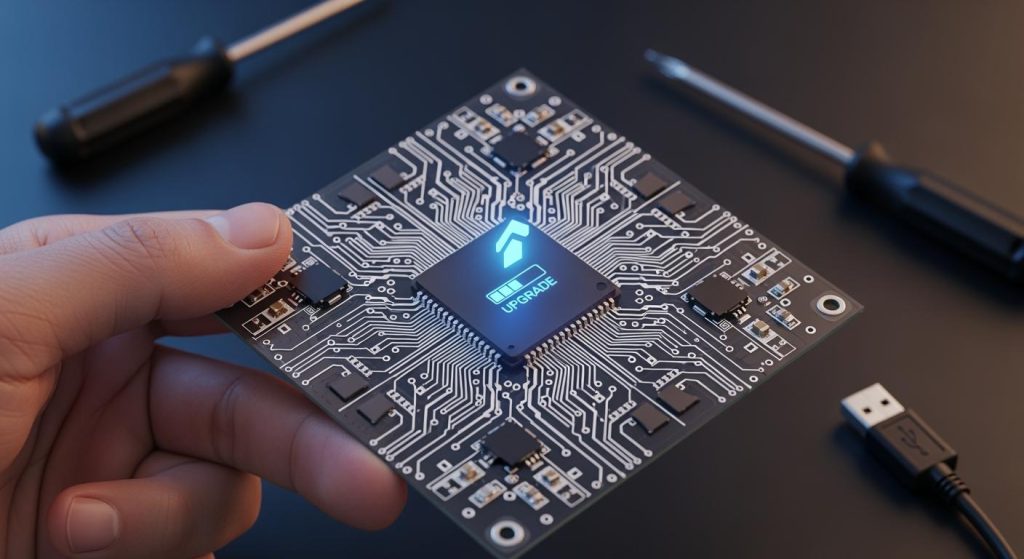
When you begin a pcb firmware design, you decide how easy upgrades will be later. Planning early stops hard changes in the future. Adding a bootloader and version control makes updates safer and more dependable. Easy-to-use interfaces and a modular layout let you fix parts without changing the whole pcb. Many engineers see these good things from upgradable pcbs:
- You save money by swapping parts instead of making a new board.
- You keep your design ready for new tech.
- You test and build faster because you can change parts quickly.
- You help the planet by making less electronic waste.
Key Takeaways
- Make your PCB design easy to upgrade. This helps you save money and keeps your tech up to date.
- Add a bootloader to make firmware updates simple. It helps make sure updates are safe and work well.
- Use version control to watch changes in your firmware. This stops mistakes and helps you handle updates better.
- Create a modular layout for your PCB. This lets you swap parts without getting a new board.
- Pick standard update protocols for better reliability. They make updates simple and help stop errors.
Key Requirements for PCB Firmware Design
Bootloader Integration
A bootloader is needed to make upgrades easy. It lets you update the software on your pcb without special tools. Some bootloaders, like STM32 USB DFU or OTA bootloaders, check the firmware before installing. This step helps stop bad updates. Some bootloaders can go back to a safe version if there is a problem. You should plan to add a bootloader when you start your design. This keeps your devices safe and simple to fix.
| Bootloader Type | Description |
|---|---|
| STM32 USB DFU Bootloader | Uses USB for updates, checks firmware, and manages the process. |
| STM32 OTA Bootloader | Updates over the air, checks firmware, and allows remote updates. |
Version Control Implementation
Version control helps you keep track of changes in your firmware and circuit board design. Tools like SVN or cloud tools help you manage updates and stop mistakes. They show who made changes and when. This system helps your team work together without problems. You can see every change, so it is easy to fix mistakes or go back to an old version if you need to.
- Use version control to manage firmware and hardware changes.
- Organize your project with clear folders and names.
- Lock files when editing to prevent conflicts.
Accessible Programming Headers
You need to add a programming header to your pcb. This header lets you connect your computer and update the firmware. Put the header in a spot that is easy to reach on your board. Pick a header with the right pin pitch and current rating. Good headers last longer and work better in tough places. Most designs use a 2.54mm pitch, but you can use smaller ones for small boards.
Modular PCB Layout
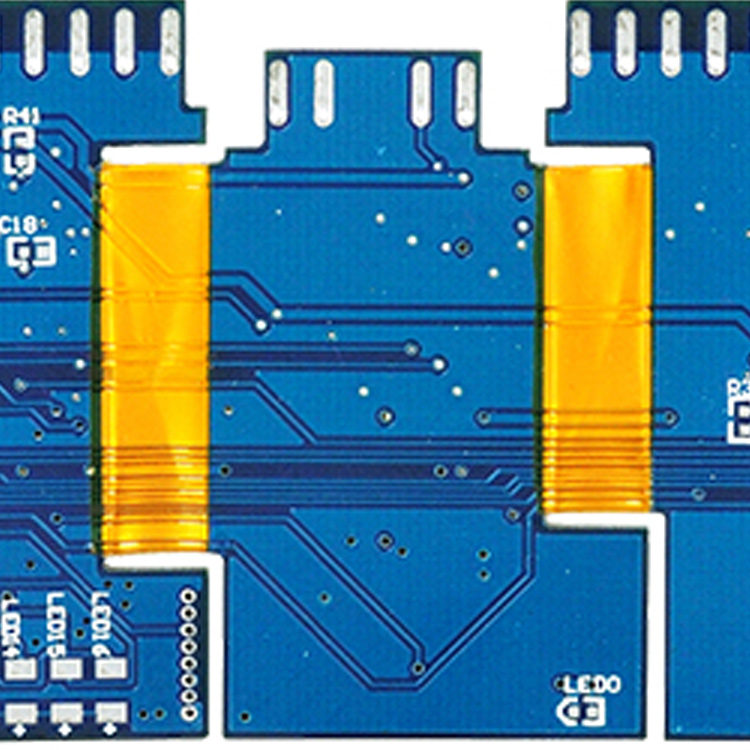
A modular pcb layout makes upgrades and repairs much easier. If you design your board in modules, you only need to change one part when you upgrade. For example, if your microcontroller is old, you can swap just that module. This saves time and money. You also make your pcb ready for new updates. Always plan your board layout so you can reach programming ports and update firmware without changing the whole board.
Designing for Easy Firmware Updates
Selecting Update Interfaces
You must pick the right interface for updates. The interface you choose changes how easy upgrades are. Some interfaces work better for certain jobs. USB is very common and fits most devices. UART is simple and lets you program many microcontrollers at once. Wireless options like BLE are good for updates in the field or hard places. I2C is also helpful for updates in the field. The table below shows the best update interfaces for easy upgrades:
| Interface Type | Description |
|---|---|
| USB | Supports USB BSL for MSP430 devices, allowing firmware upgrades via a custom board. |
| UART | Used for programming multiple MCUs simultaneously and supports BSL interfaces. |
| Wireless (BLE) | Suggested for firmware updates, especially in mobile or remote applications. |
| I2C | Standard communication port for firmware updates in the field. |
When you design your circuit board, put the update interface in an easy spot. This step helps you avoid problems when you upgrade later.
Planning Power and Reset Features
Safe firmware updates need steady power and good reset features. If your pcb loses power during an update, it can break the software or hardware. You should add voltage monitors and reset supervisors to your design. These parts watch the power and reset the system if something goes wrong. Watchdog timers help by restarting the system if the firmware stops working. Sequencers control the order of power-up for different parts of your pcb. This protects sensitive chips. Here is a table that shows the best ways to set up power and reset circuits:
| Type of IC | Function | Application |
|---|---|---|
| Voltage Monitor/Reset Supervisor | Monitors supply voltages and generates reset signals if out of tolerance | Ensures deterministic reset at power-up and recovery from brown-out conditions |
| Watchdog Timer Supervisors | Restarts the system from faults by asserting a reset if firmware fails to toggle an input | Protects against firmware lockup or stalled execution |
| Sequencer and Power-Up Supervisors | Controls the order of multiple supply rails to avoid damage | Provides predictable timing for processors or FPGAs with strict voltage requirements |
Tip: Put reset buttons and test points in easy spots on your pcb. This makes fixing and updating much easier.
Standardized Update Protocols
You should use standard protocols for firmware updates. These protocols make updates safer and more reliable. USB and UART are popular because they are simple and work well. Wireless protocols like BLE are good for remote updates. Using a standard protocol makes testing and checking updates easier. It also helps other engineers understand your design. Standard protocols lower mistakes and get your pcb ready for new upgrades.
Robust Testing and Validation
Testing and validation keep your pcb safe during updates. You need to check every part of your software and hardware before you send an update. Unit testing checks small parts of your code. Integration testing makes sure different modules work together. Stress testing pushes your pcb hard to find weak spots. Code reviews help your team find mistakes before they cause trouble. The table below lists important testing types:
| Testing Type | Description |
|---|---|
| Unit Testing | Develop comprehensive unit tests to verify the functionality of individual firmware components. |
| Integration Testing | Ensure proper interaction and functionality of different firmware modules. |
| Stress Testing | Evaluate the firmware’s performance under extreme conditions or high workloads. |
| Code Reviews | Identify potential issues and improve code quality through team collaboration. |
You should also use validation metrics to see how strong your update process is. These metrics include checking the firmware image, testing recovery and rollback, simulating failures, and watching the device after updates. The table below shows key validation metrics:
| Validation Metric | Description |
|---|---|
| Firmware image validation | Verify that the OTA update package is signed, hashed, and sized correctly for the intended hardware and software version constraints. |
| Recovery and rollback testing | Ensure devices have a mechanism to recover in the event of a bad or corrupted update. |
| Failure scenario simulation | Intentionally introduce issues like incomplete downloads, corrupt firmware files, or power loss during install to validate system resilience. |
| Field network condition testing | Assess OTA performance in unstable environments, including weak signal strength, intermittent connectivity, and long install durations. |
| Post-update device monitoring | Track boot success, memory usage, error rates, and telemetry data after updates to catch regressions or instability early. |
| Secure boot and authentication checks | Confirm that updated firmware is properly authenticated and that the device enforces secure boot policies at runtime. |
Note: Always test your high speed pcb in real-world situations. This step helps you find problems before your customers do. Good testing keeps your circuit board layout and products safe.
Common Challenges and Solutions

Preventing Bricking
You want your pcb to work after updates. Bricking means your device stops working if an update fails. You can stop this by using strong update methods in your pcb firmware design. Use backup memory to keep update files before you install them. This way, you can fix things if something goes wrong. Always check the data after you download an update. This helps you find errors before they cause problems.
| Strategy | Description |
|---|---|
| Golden image | Keep a working version of your software for easy rollback if an update fails. |
| A/B partitioning | Use two partitions so you can switch back if one fails during an update. |
| Error handling | Add clear error checks to stop problems from spreading through your pcb. |
| Modular architecture | Break your circuit board design into modules to isolate failures and protect your pcb. |
Tip: Test your updates in hard situations. Add fail-safes to every update. These steps help your high speed pcb recover from problems and keep your circuit board layout safe.
Security and Authentication
You need to keep your pcb safe from bad updates. Only use updates from trusted places. Always check the update’s digital signature before you install it. Encrypt your update files when you send or save them. This stops hackers from changing your software. Secure bootloaders check the firmware before loading it. This keeps bad code from running on your pcb.
- Get updates from official vendors.
- Use strong passwords and encryption.
- Watch for new security warnings.
- Install updates on safe networks.
| Risk Type | Description |
|---|---|
| Unauthorized Access | Hackers may control your pcb if you skip security checks. |
| Device Malfunctions | Bad updates can break your circuit board design and cause safety problems. |
| Remote Code Execution | Weak security lets hackers run harmful code on your pcb. |
Note: Keep your software simple to lower attack risks. Update often to fix security holes in your pcb layout.
Managing Firmware Versions
Managing versions keeps your pcb and circuit board design working together. Use version control to track changes in your software and hardware. Plan your releases so you know which version fits each pcb. Automated checks help you find mismatches between your bill of materials and your schematic. Tag stable releases to freeze tested versions. This makes sure only safe firmware goes onto your pcb.
| Best Practice | Benefit |
|---|---|
| Version Control | Stops errors and matches firmware to the right pcb. |
| Release Planning | Keeps updates organized and works with your routing. |
| Automated Checks | Finds mismatches in your circuit board design and routing. |
| Configuration Management | Keeps clear records for your circuit board layout. |
Good version management helps you avoid mistakes and keeps your routing and pcb layout safe.
You can help your project last longer if you plan for easy upgrades in your pcb firmware design. Use a modular circuit board design, clear routing, and easy-to-use interfaces in each project. Add a bootloader and strong version control to your custom pcb. Check your current pcb and circuit board layout to see if you can upgrade it:
- Make your circuit board design so you can swap parts easily.
- Add backup choices for important parts in every project.
- Keep all your project files and routing safe with version control.
Longevity in hardware means you know that some things will stop working or get old—like the processor, an OS kernel, a radio chipset, or an encryption algorithm—and you set up your system so you can change things. Loose coupling, standard interfaces, and lots of community support all help your project handle changes that will happen.
You make your project stronger when you plan for new software and routing changes. Get every project ready for new circuit board design needs and safe firmware updates in your pcb layout and circuit board layout.
FAQ
What makes firmware upgrades easier on a pcb?
You can make firmware upgrades easier if you plan ahead. Put headers in places that are easy to reach. Use a bootloader to help with updates. Pick update protocols that many people use. These steps let you update your printed circuit board without special tools.
How do you avoid bricking your pcb during updates?
You can protect your pcb by using backup memory. Add error checks to find problems early. Keep a golden image as a backup. Test updates in hard situations. Design your pcb layout so you can roll back if something fails.
Why should you use standard protocols for firmware updates?
Standard protocols make updates safer and faster. They help other engineers understand your circuit board layout. You also make fewer mistakes. Your pcb layout will be ready for new upgrades.
What is the best way to test a pcb layout for firmware updates?
Test your pcb layout with unit tests and integration tests. Use stress tests to check how strong it is. Check recovery and rollback features. Watch your device after updates to find problems early.
How does modular design help with firmware upgrades?
Modular design lets you change parts without replacing the whole pcb. Plan your pcb layout so you can reach update ports easily. This makes your printed circuit board ready for new features.