 English
 Arabic
 Chinese (Simplified)
 Dutch
Dutch French
 German
 Italian
 Portuguese
 Russian
 Spanish
What Is Power Supply PCB Assembly and How Does It Work
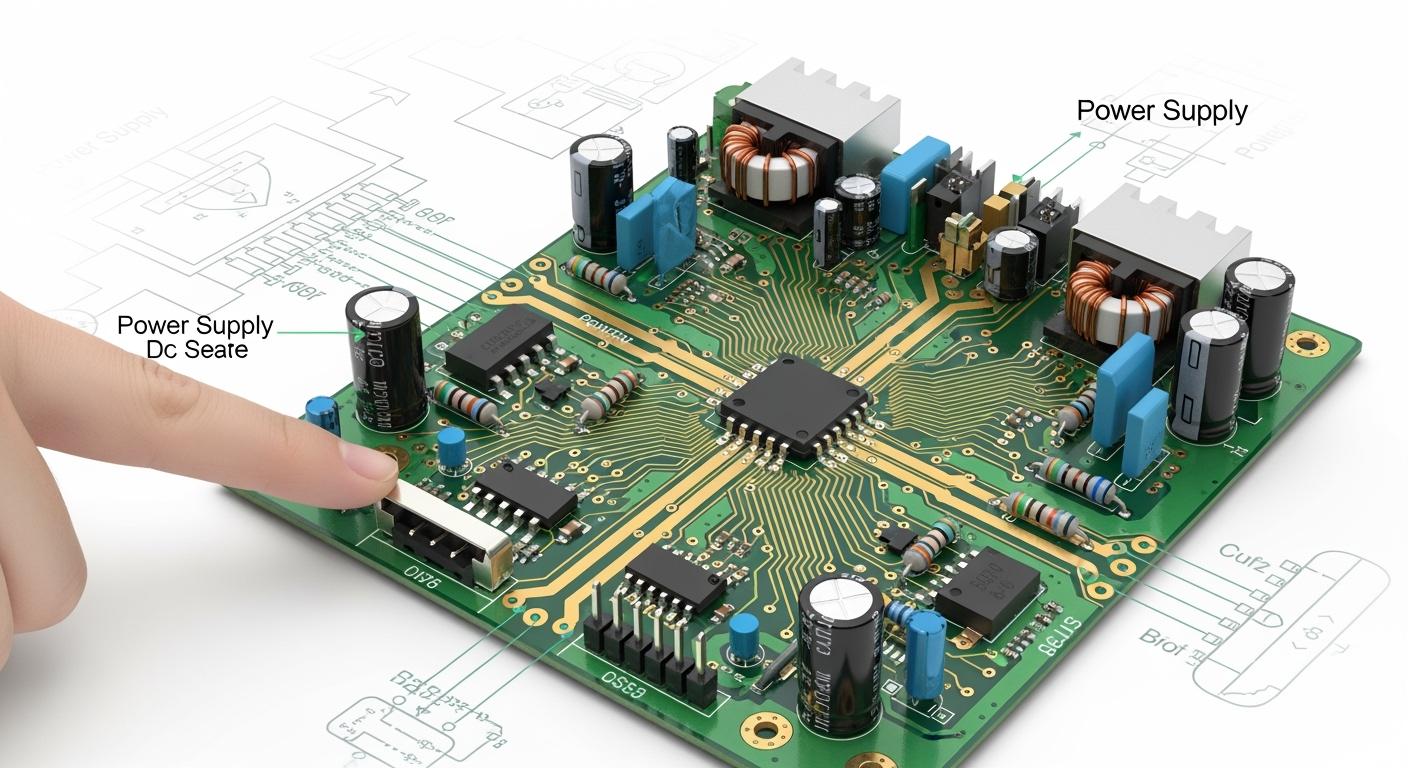
You use power supply PCB assembly whenever you use electronics today. This assembly puts together important parts that give and control electricity for your device. PCB assembly makes sure each part gets the right power, so your device is safe and works well. There are many kinds of PCBs in electronics, and each has special features:
| Type | Description |
|---|---|
| Single-Sided | One copper layer, circuitry on one side. |
| Double-Sided | Two copper layers, circuitry on both sides connected through vias. |
| Multi-Layer | Three or more copper layers for complex circuitry. |
| Flexible | Board that bends, ideal for compact designs. |
| Rigid-Flex | Combines rigid and flexible parts for more design options. |
| Rigid | Strong and reliable, most common in devices. |
Power supply PCB assembly helps your devices work by changing and controlling electrical power. It makes sure everything inside works the right way.
Key Takeaways
- Power supply PCB assembly helps control electricity in devices. It makes sure each part gets the right power. This keeps things safe and working well.
- There are different types of PCBs, like single-sided and multi-layer. Each type does a special job. Picking the right one is important for how the device works.
- Safety matters most in power supply PCB design. Following rules stops overheating and short circuits. This keeps the device and user safe.
- Important parts like transformers and rectifiers have big jobs. They help change and control power. Knowing about these parts helps make good power supplies.
- Checking and testing PCB assemblies often makes them more reliable. This helps find problems early. It leads to safer and longer-lasting devices.
Power Supply PCB Assembly Basics
What Is a Power Supply PCB
You find a power supply PCB in almost every electronic device. This special board helps control how electricity moves inside your device. The power supply pcb assembly holds and connects all the parts that change, control, and send out power. You see these boards in computers, phones, TVs, and big machines.
A power supply pcb is not the same as other printed circuit boards. It must handle strong currents and high voltages safely. You need to keep high-voltage, low-voltage, and control circuits apart. This stops short circuits and keeps your device safe. Rules like IPC-2221, IPC-9592, and UL 61010 tell you how to space and lay out the board. These rules help stop overheating and electrical problems.
Here is a table that shows how a power supply pcb is different from a general pcb assembly:
| Aspect | Power Supply PCB | General PCB Assembly |
|---|---|---|
| EMI Management | Needs special layout to lower EMI | Less strict EMI rules |
| Thermal Behavior | Must get rid of heat well | May not need much heat design |
| Power Integrity | Very important for working | Not as important |
| Component Complexity | Has more parts and parasitics | Usually simpler layout |
| Regulation Mechanism | Uses feedback to control | Often uses LDO to control |
| Safety Considerations | High current can be risky | Lower current, fewer risks |
You can see that power supply pcb assembly needs careful design. You have to follow strict safety rules to protect the device and the user.
Purpose and Function
The main job of a pcb power supply is to give the right power to each part of your device. You must make sure every part gets the voltage and current it needs. If you do not control the power, your device can get too hot, break, or even be unsafe.
The pcb assembly in a power supply does many important things:
- Voltage Transformation: You change the voltage to the right level. A transformer makes the voltage higher or lower.
- Voltage Division: You split the voltage for different parts of the circuit.
- AC to DC Conversion: You turn AC from the wall into DC for your device.
- Filtering: You smooth the DC voltage so it stays steady and safe.
- Regulation of Power Supply Output: You keep the output voltage steady, even if the load changes.
Tip: Always check that your pcb assembly meets standards like IPC-7527 and UL 796. These rules help keep your devices safe and working well.
You also need to keep high-voltage and low-voltage areas apart on the pcb. This keeps the device safe and stops electrical noise from causing trouble. Standards like IPC-2221 and UL-61010-1 tell you how much space to leave between voltage lines. You must follow these rules to stop overheating and short circuits.
When you design a pcb power supply, you must think about safety, efficiency, and reliability. You need to pick the right materials and layout to handle heat and stop electrical problems. Good pcb assembly helps your device last longer and work better.
Key Components in PCB Assembly
Transformers and Rectifiers
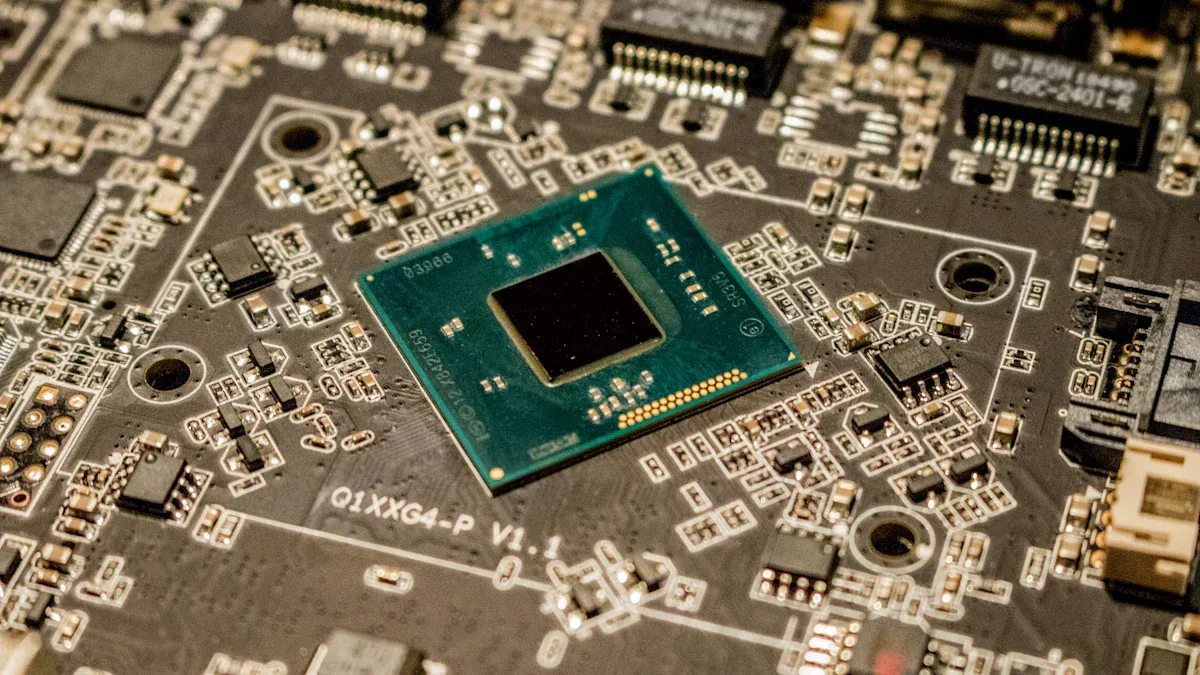
Transformers and rectifiers are very important in every pcb power supply. Transformers change how much voltage goes to your device. There are two main types you see in power supply pcb assembly:
| Transformer Type | Description |
|---|---|
| Power transformers | Convert voltage levels to supply power to various parts of a device. |
| Isolation transformers | Separate circuits to prevent electrical noise and enhance safety, often used in medical equipment. |
Rectifiers work with transformers to change AC into DC. Most devices need DC, but wall outlets give AC. Rectifiers use diodes so current only goes one way. This turns AC into steady DC power. Filters help make the voltage even smoother.
- Rectifiers let current go one way and change AC into DC.
- Devices like electronics and machines need steady DC.
- The rectifier diode helps make the conversion work well.
Voltage Regulators and Control Circuits
Voltage regulators keep the output voltage the same. They do this even if the input or load changes. You can pick linear or switching regulators for your pcb assembly. Linear regulators make less noise, which is good for sensitive parts. Switching regulators work better for high current but can make more noise.
- Linear Voltage Regulators: Give smooth voltage, good for low noise, but not as efficient with high loads.
- Switching Voltage Regulators: Work well for high current, but can add noise.
Control circuits help protect your pcb power supply. They stop too much current from flowing. This keeps your device safe. Overcurrent protection stops short circuits and damage. These circuits also help your device work during overloads.
Note: Control circuits help stop overheating, fire, or explosion by keeping current safe.
SMT and Through-Hole Components
There are two main ways to put parts on a pcb assembly: Surface Mount Technology (SMT) and Through-Hole Technology (THT). SMT parts sit on top of the pcb. This saves space and makes the board lighter. THT parts go through holes in the pcb. This makes them stronger for heavy or high-power parts.
| Feature | Through Hole | Surface Mount Technology (SMT) |
|---|---|---|
| Mechanical Strength | Excellent stability for heavy components | Less durable under physical stress |
| High-Power Capability | Ideal for high-current applications | Struggles with high power |
| Environmental Tolerance | Reliable in extreme conditions | Vulnerable to heat and moisture |
| Longevity | Longer lifespan with easy replacements | Complicated repairs due to dense designs |
| Production Speed | Slower, manual assembly | High-speed automated assembly |
SMT helps make smaller and lighter power supply units. You can fit more parts on the pcb. This is good for portable devices. THT is best when you need strong connections or high currents.
All these parts work together in pcb assembly to control power. Transformers set the voltage. Rectifiers change AC to DC. Regulators keep voltage steady. Control circuits protect your device. SMT and THT help you build the right pcb for your needs. This teamwork is why pcb assembly is important in every device.
PCB Assembly Process Steps
Component Placement
You begin by putting each part on the pcb. Machines do this job fast and very accurately. These machines use special programs to pick and place many parts every hour. This helps lower mistakes and keeps the pcb power supply working well. There are some important rules for placing parts:
| Guideline | Description |
|---|---|
| Fixed Components First | Put connectors and big parts on first. |
| Avoid Infringement | Keep each pcb area separate, except for special parts. |
| Space for Routing | Leave space for wires and traces between parts. |
| High-Speed Signal Proximity | Place fast signal parts close together. |
| Power Supply Component Placement | Put power supply parts near each other. |
| Thermal Management | Put hot parts in the center to spread heat. |
You need to check how each part is turned and make sure it matches the design. Good placement helps the pcb assembly last longer and work better.
Soldering Methods
After placing the parts, you join them to the pcb. Soldering makes strong electrical and mechanical connections. There are different ways to solder in pcb assembly:
| Soldering Technique | Description | Advantages |
|---|---|---|
| Reflow Soldering | Heat melts solder paste to join parts. | Good for SMT parts, strong joints, works for both sides of the pcb. |
| Wave Soldering | The pcb moves over a wave of hot solder. | Fast for big batches, gives even results, less human work. |
| Selective Soldering | Solder only touches certain areas. | Protects sensitive parts, very precise for complex pcb assembly. |
The way you solder can change how long the pcb power supply lasts. Strong solder joints help the printed circuit board stay safe and work for a long time.
Inspection and Testing
You must check every pcb assembly before using it in power supply units. Inspection and testing help you find problems early. Here are the main steps:
- Visual Inspection: Look for mistakes like bad solder or wrong part placement.
- Initial Power-Up Test: Connect to a safe power supply and check voltage.
- Functional Testing: Test the pcb power supply under real loads and measure noise.
- Safety Testing: Make sure the pcb meets safety rules and can handle overloads.
- Environmental Testing: Test the pcb in heat, cold, and humidity.
- Documentation and Reporting: Write down all test results for quality checks.
Tip: Careful inspection and testing help make sure your pcb assembly is safe and reliable. This is a very important part of pcb assembly in every device.
When you follow these steps, your pcb assembly works well and lasts longer. Good assembly and testing protect your devices and keep users safe.
Importance and Challenges
Device Performance and Reliability
You need good pcb assembly for your devices to work well. If you put parts in the right place and solder them well, you stop problems like open circuits and shorts. Good heat control keeps your device cool and helps it last longer. When you follow quality rules, your device works the same every time.
- Careful part placement and soldering stop electrical problems.
- Good heat control keeps parts from getting too hot.
- Following rules means your device works well every time.
If pcb assembly is bad, your device can break early. You might see signal problems or more electromagnetic interference. Bad boards can get too hot and not last long. Weak boards can break if you drop or move your device a lot. You need strong pcb power supply boards for things you carry around.
Common Issues and Solutions
You can have many problems during pcb assembly. Some problems happen a lot, but you can fix them if you know what to do.
| Issue | Resolution |
|---|---|
| BOM issues | Make sure your BOM is right, check your design, and solder carefully. |
| Incorrect footprints | Use PCB design software to check footprints and test with prototypes. |
| Soldering defects | Use the right amount of solder and heat; use AOI systems to check. |
| Poor thermal management | Use heat sinks, cooling, or thermal vias; test for heat problems. |
| Lack of test points | Use DFT so you can reach test points easily. |
| Poor marking on boards | Make sure markings are clear so you know where parts go. |
You also need to stop electromagnetic interference in your pcb. You can use ground planes to lower noise. Keep traces apart and add parts like voltage suppressors. Decoupling capacitors help block high-frequency noise. Metal cases can shield your pcb from outside noise.
If you do these things, your pcb assembly will be stronger and safer. Your device will last longer and work better everywhere.
You now know that pcb assembly helps your device stay safe. It also makes your device work well for a long time. Good power supply design keeps your electronics safe from water, dust, and chemicals. You can use SMT and special coatings to make your pcb strong in tough places.
- Good assembly protects your device from things like water and dust.
- Using protection helps your pcb last longer and need fewer fixes.
- New technology and checking for mistakes make your device safer.
If you choose good pcb assembly, you spend less money fixing your device. Careful testing and strong parts help your electronics work well for many years.
FAQ
What is power board assembly?
You use power board assembly to connect and organize all the parts that control electricity in your device. This process helps your device get safe and steady power. You see power board assembly in computers, phones, and many other electronics.
Why does power board assembly matter for safety?
Power board assembly keeps high-voltage and low-voltage areas apart. This design lowers the risk of short circuits and overheating. You protect your device and yourself when you use a well-made power board assembly.
How do you test a power board assembly?
You check power board assembly by looking for mistakes, testing voltage, and running the board under real loads. You also test for heat and moisture. Careful testing makes sure your power board assembly works well and lasts longer.
What parts do you find in power board assembly?
You find transformers, rectifiers, voltage regulators, and control circuits in power board assembly. You also see surface mount and through-hole parts. Each part helps your device get the right power and stay safe.
Can you repair a power board assembly?
You can repair power board assembly if you find the problem early. You may replace broken parts or fix bad solder joints. You need the right tools and skills to work on power board assembly safely.
Tip: Always turn off your device before you touch or repair power board assembly.